Your checkout broke. Hear it from us, not a customer.
Canary opens your app in a real browser like a new visitor: daily on Free, hourly on Starter and Pro. It checks that your homepage, sign-up and login pages and forms load, and that checkout is reachable, then tells you in plain English what broke.
Score 80/100
 Lovable
 Bolt
Bolt Cursor
 Replit
 v0
v0 Claude
 ChatGPT
 Supabase
Trademarks belong to their owners. Canary is independent and not affiliated with or endorsed by these companies.
Uptime says all green. Your users can't pay.
Signup & login
We open your app in a real browser and confirm the sign-up and login pages load with their forms, not a blank screen or a 404.
Stripe checkout
We confirm your Stripe or Lemon Squeezy checkout link or script is reachable, so buyers never hit a dead end.
Plain-English alerts
A screenshot, the exact error, what it means, and a fix prompt to paste into Lovable, Bolt or Cursor. Alerts fire only when something changes.
Not just "it's down". A screenshot, the exact error, and a fix prompt.
Your checkout isn't reachable
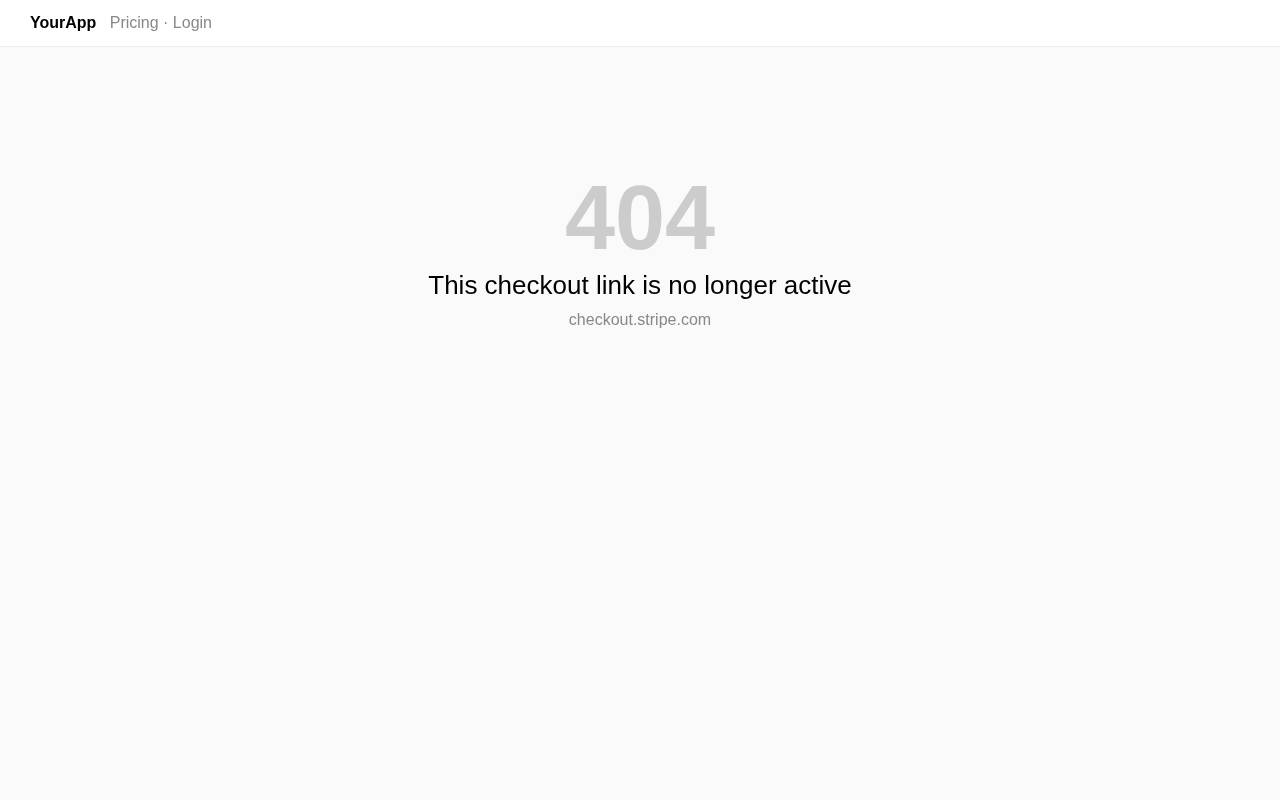
What happened: We couldn't reach a working checkout (buy.stripe.com/test_8wM… → HTTP 404). People who want to pay you can't, which means lost revenue.
Exact error
buy.stripe.com/test_8wM… → HTTP 404
Uncaught TypeError: Cannot read properties of undefined (reading 'priceId') at Pricing.tsx:42
Fix prompt · paste into Lovable, Bolt or Cursor
My app at https://your-app.lovable.app has a bug that an automated monitor (Canary) just caught.

Problem: Your checkout isn't reachable.
What the monitor saw: buy.stripe.com/test_8wM… → HTTP 404
Uncaught TypeError: Cannot read properties of undefined (reading 'priceId') at Pricing.tsx:42

Expected behavior: The upgrade/buy button opens a working Stripe or Lemon Squeezy checkout page (HTTP 200), and after payment the user's plan is updated.

Please find the root cause, fix it without changing unrelated features, and tell me how to verify the fix.
Four steps from "is it broken?" to "fixed".
Free check in about 20 seconds. No signup.
Free checks daily. Starter and Pro check hourly.
Homepage, sign-up and login pages and forms, checkout link. Read-only, no real accounts or payments.
Alert + fix prompt, the moment a flow fails.
Questions, answered.
What does Canary check?
Your homepage, sign-up and login pages and their forms, and that your checkout link or script is reachable. Checks are read-only: no real accounts or payments are created.
Does it work with apps built in Lovable, Bolt, Cursor, Replit or Claude?
Yes. Canary checks the live app at its public URL, so it works no matter which tool built it.
How often are apps checked?
Free checks one app once a day. Starter checks one app every hour. Pro checks up to 5 apps every hour.
Does Canary create accounts or make payments?
No. Checks are read-only: Canary confirms pages and forms load and that checkout is reachable. It never submits real sign-ups, logins or payments, and needs no passwords.
When do I get alerted?
Right away if the first check of your app fails. After that, after 2 failed checks in a row, and once more when it recovers.
What is in an alert?
A screenshot, the exact error, a plain-English explanation and a fix prompt you can paste into your AI builder.
Is the security scan safe?
Yes. It only reads what your site already shows to every visitor, such as exposed keys, open files and missing headers. It never attacks your app.
Can I cancel anytime?
Yes. Cancel from the customer portal and you move back to the Free plan at the end of your billing period.